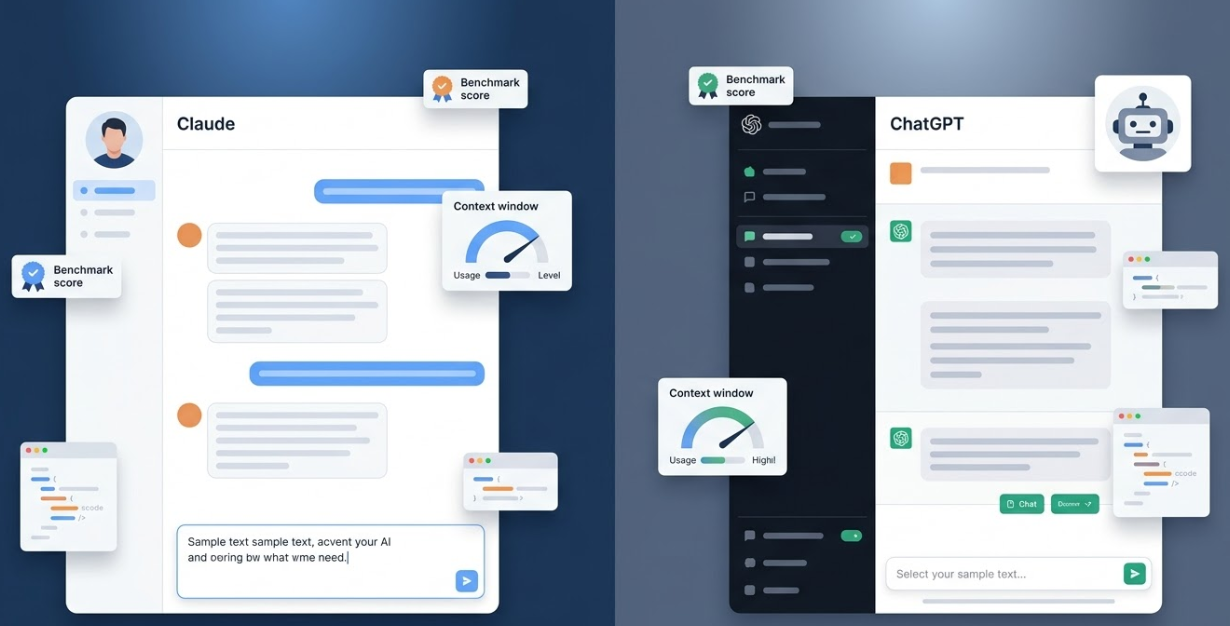
Choosing the right AI assistant in 2026 can feel overwhelming. Dozens of tools compete for your attention, and each one promises to transform your workflow. However, three platforms stand out above the rest. This OpenClaw vs ChatGPT comparison also includes the Gemini App to give you a complete picture. Whether you care about privacy, cost, or deep customization, this guide will help you make a confident decision. Because each tool takes a very different approach, the best choice depends entirely on your personal priorities and technical comfort level.
What Is OpenClaw and Why Does It Matter?
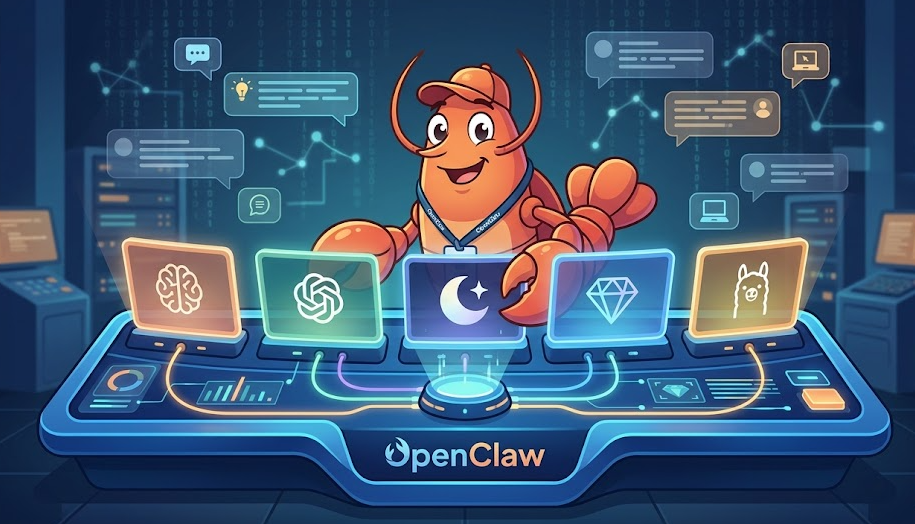
OpenClaw is an open-source, self-hosted AI assistant that runs on your own hardware. It connects messaging platforms like WhatsApp, Telegram, Discord, and iMessage to AI models through a local gateway. Therefore, your conversations and data never leave your server unless you choose otherwise. Created by PSPDFKit founder Peter Steinberger, the project exploded from 9,000 to over 60,000 GitHub stars in just a few days.
In practical terms, OpenClaw works as a 24/7 personal agent. It can run shell commands, browse the web, manage files, and trigger automations through natural language. Because it supports multiple AI providers (Claude, GPT, Gemini, or local models), you maintain full control over which model powers your assistant. This flexibility makes it stand out in any OpenClaw vs ChatGPT comparison.
ChatGPT in 2026: Features and Pricing Overview
ChatGPT remains the most popular cloud-based AI assistant in the world. OpenAI now offers six pricing tiers: Free ($0), Go ($8/month), Plus ($20/month), Pro ($200/month), Business ($25/user/month), and Enterprise (custom pricing). The latest GPT-5.4 model launched on March 5, 2026, and brought improved reasoning, native computer use, and unified coding capabilities.
The free tier provides access to GPT-5.3 with a cap of 10 messages every 5 hours. Once you hit that limit, it falls back to a lighter model. Also, free and Go users in the US now see ads at the bottom of responses. This started in February 2026. For most professionals, the Plus plan at $20/month delivers the best value because it unlocks GPT-5.4, Deep Research, image generation, and an ad-free experience.
Gemini App: Google’s AI Assistant for the Ecosystem
Google’s Gemini App serves as the AI layer across the entire Google ecosystem. It integrates directly into Gmail, Docs, Sheets, Slides, Drive, and Meet. As a result, users who already rely on Google Workspace get a seamless AI experience without switching tools. Google recently rebranded its AI subscription tiers to Google AI Pro ($19.99/month) and Google AI Ultra ($249.99/month).
The free tier of Gemini gives access to the Flash model for everyday questions. Pro subscribers unlock the powerful Gemini 3.1 Pro model with a one-million-token context window, Deep Research, and image generation through Nano Banana Pro. Furthermore, Gemini App Actions on Android let users execute tasks across third-party apps using natural language. For example, you can order groceries or book rides without opening individual apps.
OpenClaw vs ChatGPT Comparison: Feature-by-Feature Breakdown
The following table summarizes how these three AI assistants compare across the most important categories. Use it as a quick reference before diving deeper into each area.
| Feature | OpenClaw | ChatGPT | Gemini App |
| Hosting | Self-hosted (your server) | Cloud (OpenAI servers) | Cloud (Google servers) |
| Base Cost | Free + server/API costs | Free tier; Plus $20/mo | Free tier; Pro $19.99/mo |
| Data Privacy | Full control on your hardware | Opt-out available | Google data policies apply |
| AI Models | Claude, GPT, Gemini, local | GPT-5.4 family only | Gemini 3.1 family only |
| Platform Support | WhatsApp, Telegram, Discord+ | Web, mobile apps, API | Web, mobile, Workspace |
| Customization | Unlimited (open-source) | Custom GPTs, limited | Gems, Workspace add-ons |
| Setup Difficulty | Technical (CLI/Docker) | None (sign up and go) | None (Google account) |
| Offline Capable | Yes (with local models) | No | No |
| Ads | Never | Free and Go tiers (US) | No ads currently |
| Open Source | Yes (MIT-style license) | No | No |
Privacy and Data Ownership in the OpenClaw vs ChatGPT Comparison
Privacy is often the deciding factor when people evaluate AI assistants. OpenClaw wins this category easily because everything runs on your infrastructure. Your conversations, files, and automations stay on your server. No third party can access your data without your permission.
ChatGPT stores conversations on OpenAI’s servers by default. You can opt out of having your data used for model training, but your prompts still pass through external infrastructure. Similarly, Gemini processes data through Google’s cloud. For individuals or businesses handling sensitive information, this distinction matters enormously. Because of this, privacy-conscious users often choose self-hosted solutions like OpenClaw.
Cost Breakdown: Which AI Assistant Saves You Money?
Cost structures vary significantly between these three options. OpenClaw itself is free and open-source. However, you need a server to run it (VPS hosting typically costs $5 to $50/month) and API credits for the AI model you choose (roughly $5 to $50/month based on usage). Therefore, the total monthly cost usually ranges from $10 to $100 depending on your setup.
ChatGPT Plus costs a flat $20/month for individuals. This covers access to the latest GPT-5.4 model, Deep Research, and image generation. The Go tier at $8/month offers a budget option but misses key features like agent mode. Meanwhile, Google AI Pro runs $19.99/month and bundles Workspace integration plus 2TB of cloud storage.
For light users, ChatGPT’s free tier or Gemini’s free tier work fine. For power users who want maximum value and control, OpenClaw paired with a $10/month VPS can deliver a comparable experience at a lower effective cost over time.
Customization and Flexibility: OpenClaw vs ChatGPT Comparison
OpenClaw offers unmatched customization because it is fully open-source. You can modify the gateway code, create custom skills, build automations, and integrate with over 50 services. The project supports multiple AI model providers simultaneously, so you can route different tasks to different models based on their strengths.
ChatGPT offers Custom GPTs, which let you create specialized versions of ChatGPT with custom instructions and knowledge bases. This works well for many use cases, but you cannot modify the underlying system. Google Gemini provides Gems for personalized AI personas and integrates with Workspace tools. However, both cloud platforms limit how deeply you can customize the experience.
Who Should Choose Each AI Assistant?
Choose OpenClaw if You Want Full Control
OpenClaw is ideal for developers, privacy advocates, and power users who want a self-hosted AI agent. If you are comfortable with command-line tools and Docker, OpenClaw gives you an always-on assistant that works across all your messaging apps. It suits anyone who handles sensitive data or wants to avoid third-party data processing entirely.
Choose ChatGPT if You Want Simplicity
ChatGPT works best for individuals and teams who need a reliable, easy-to-use AI assistant right away. There is no setup required. You sign up, pick a plan, and start chatting. The Plus plan delivers excellent value for professionals. In addition, ChatGPT’s ecosystem of plugins, integrations, and Custom GPTs makes it versatile without requiring technical skills.
Choose Gemini App if You Live in Google’s Ecosystem
Gemini App is the clear winner for users deeply embedded in Google Workspace. If you use Gmail, Docs, Sheets, and Drive daily, the Gemini integration adds AI capabilities without any context-switching. Furthermore, the 2TB storage bundled with the Pro plan adds practical value beyond AI features alone.
Frequently Asked Questions About the OpenClaw vs ChatGPT Comparison
Yes, the OpenClaw software is completely free and open-source. However, you still need to pay for server hosting and AI model API usage. Most users spend between $10 and $50 per month on infrastructure costs. This makes it cheaper than premium subscriptions for heavy users.
For many tasks, yes. OpenClaw connects to the same AI models that power ChatGPT and can handle writing, coding, research, and automation. Because it runs 24/7 on your server, it can even handle proactive tasks like sending reminders or running scheduled automations. The trade-off is a more complex initial setup.
No. Gemini App requires a personal Google account. Workspace features need an eligible Google Workspace subscription plus a Gemini add-on license. Free access is available to anyone with a standard Google account, though usage is limited.
OpenClaw offers the strongest privacy because all data stays on your own hardware. ChatGPT and Gemini both process data through external cloud servers. Even with opt-out options, your prompts still travel through third-party infrastructure. For maximum privacy, a self-hosted solution is the only reliable choice.
Yes. OpenClaw supports multiple AI providers including Anthropic Claude, OpenAI GPT models, Google Gemini, and local models through Ollama. You can switch between providers at any time or route different conversation types to different models for optimal performance.
Final Verdict: Making Your OpenClaw vs ChatGPT Comparison Decision
Each AI assistant serves a different type of user. OpenClaw delivers maximum privacy, customization, and long-term cost savings for technically skilled users. ChatGPT provides the most polished, accessible experience for general consumers and professionals. Gemini App wins for anyone already invested in Google’s ecosystem.
Start by identifying your top priority. If privacy and control matter most, try OpenClaw. If ease of use comes first, go with ChatGPT Plus. If Google Workspace is your daily driver, choose Google AI Pro. No single tool is perfect for everyone, so match your choice to your actual workflow needs.
Ready to explore further? Visit
Check out our Setup guide to set up your self-hosted OpenClaw agent, or try ChatGPT and Gemini App for instant cloud-based access.